
Add your Teya card to your Google Wallet™ to unlock hassle-free phone payments. It's quick, easy, and secure.
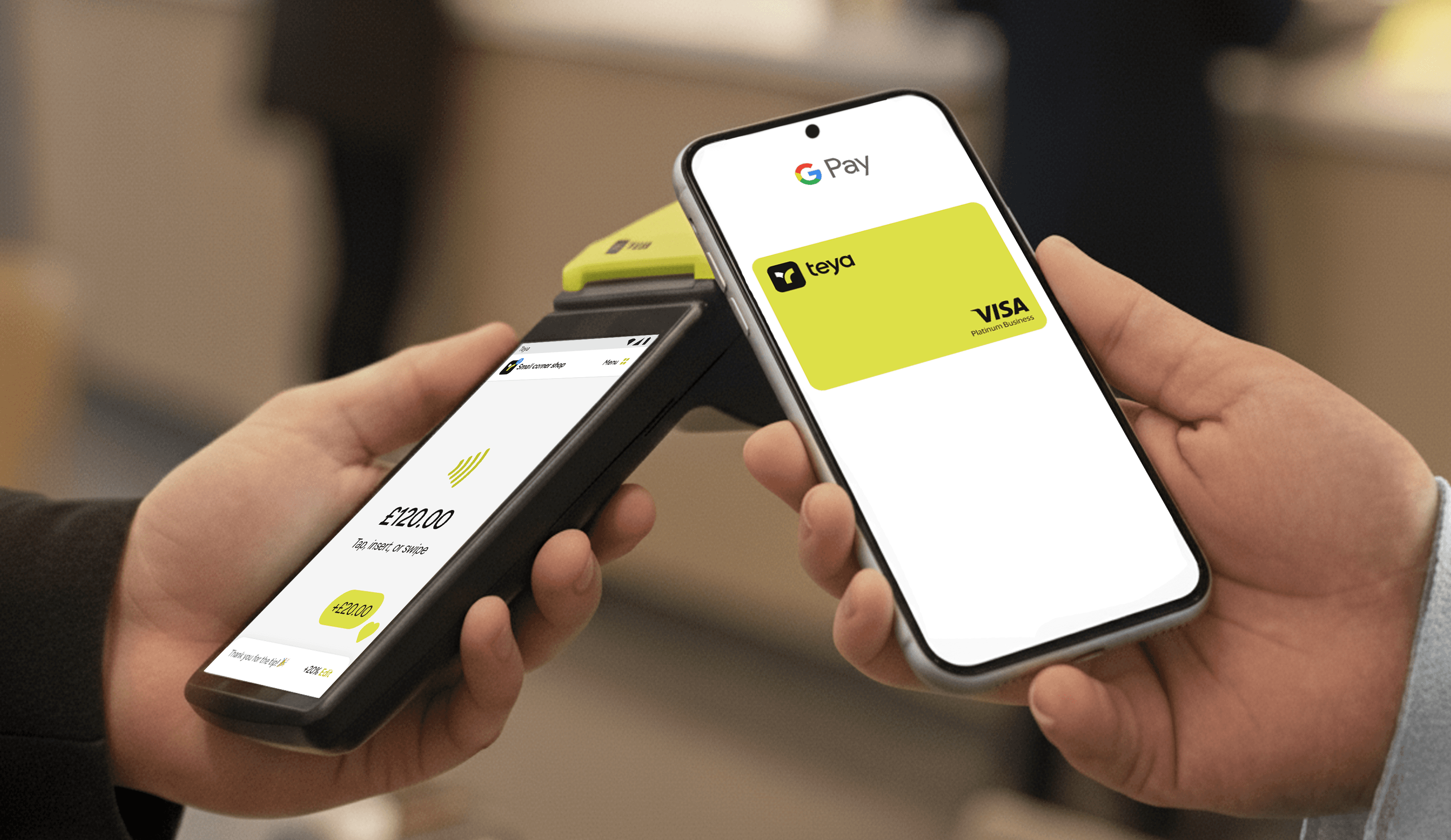
Use your Teya debit card with Google Pay™
1
Install Google Wallet
Open the Google Wallet app or download it on Google Play.
2
Link your Teya card
Tap on Add to Wallet and scan or input your card details.
3
Authenticate
Follow the on-screen prompts to authenticate your Teya card.
4
Start paying
You can now enjoy all the benefits of Google Pay.
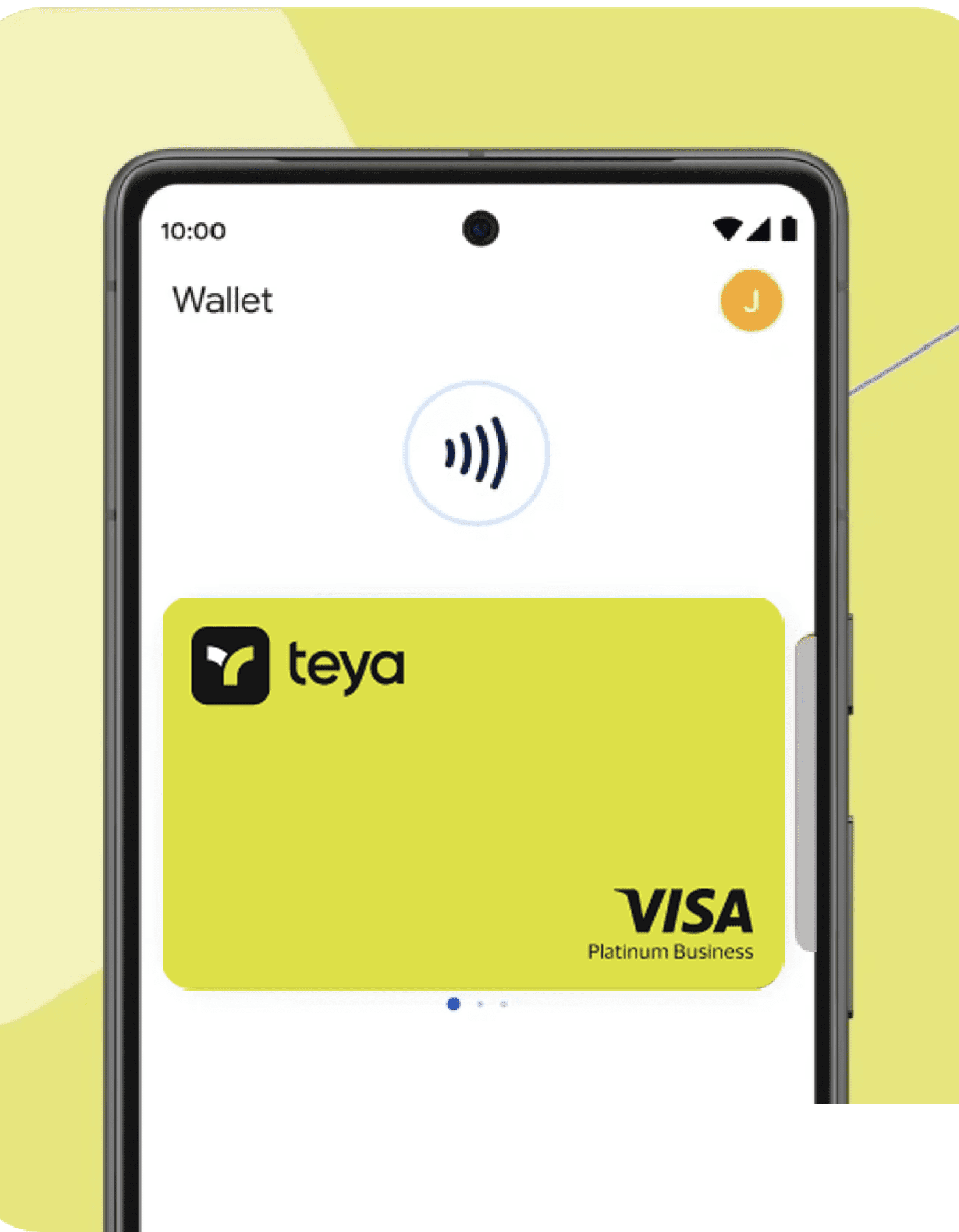
Pay seamlessly
Enjoy quicker checkout flows in person or online. With Google Pay, you can leave your wallet at home.
Enjoy peace of mind
With industry-leading security, you can relax in the knowledge your funds are safe.
Your spending just got smarter
Get 0.5% cashback every time you use your Teya debit card.
Is Google Pay secure?
Are there any fees for using Google Pay with Teya?
How do I make my Teya card the default card?
Can I use Google Pay abroad?
What if my phone is lost or stolen?