
Accept contactless payments from your iPhone, no extra terminals or hardware needed.
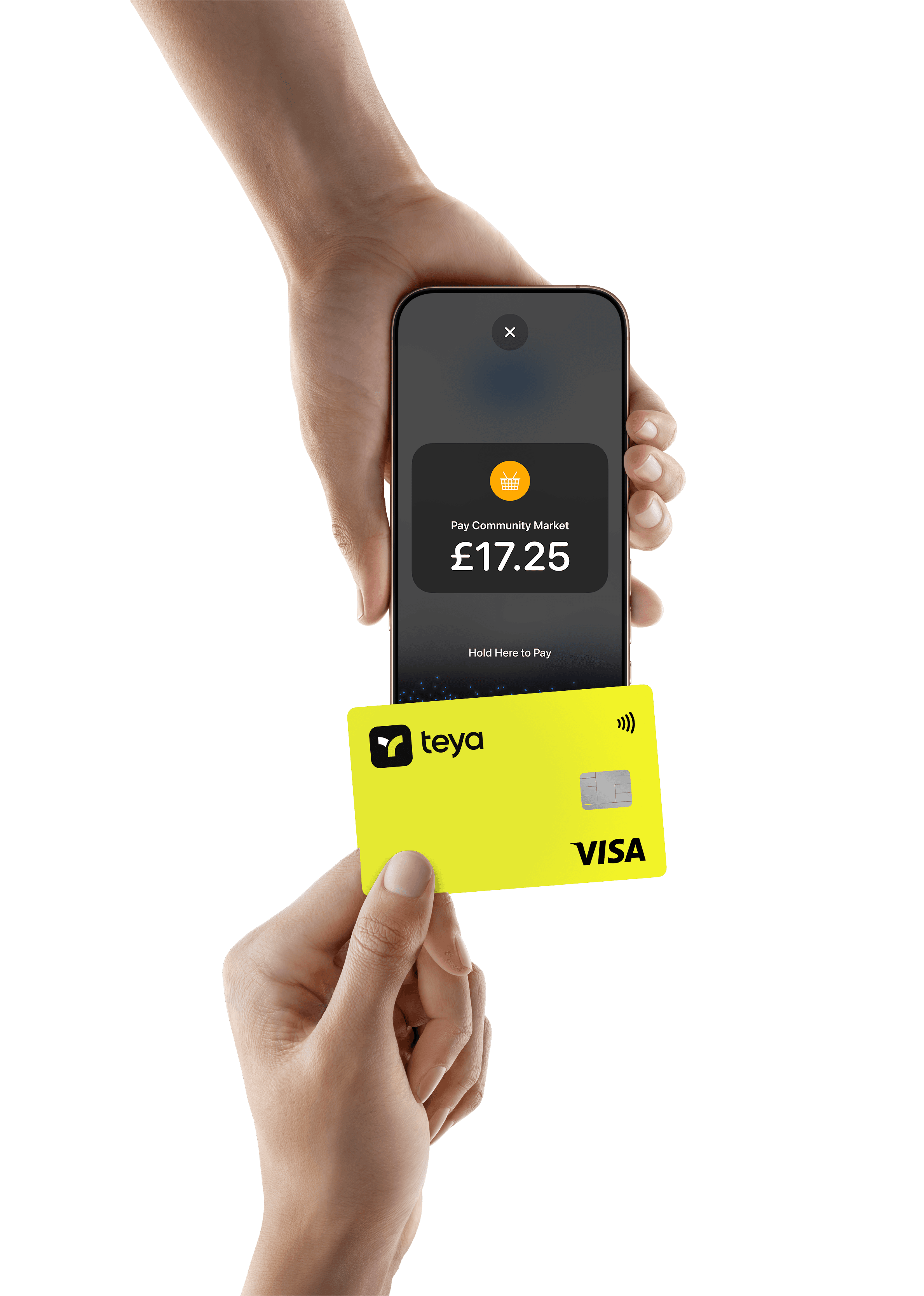
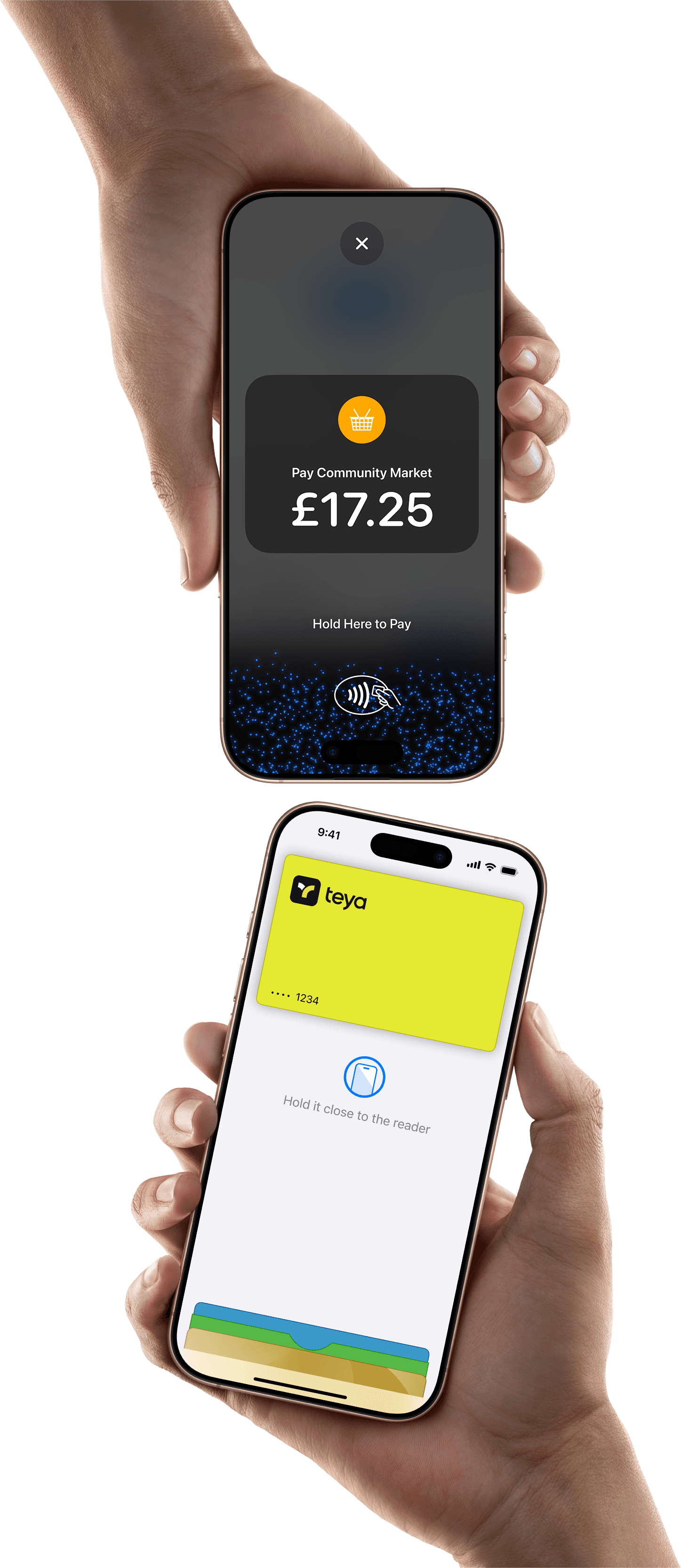
Tap to Pay on iPhone lets customers pay your business by contactless card payments, Apple Pay and from other digital wallets.
It's easy and secure – all you need is the Teya app.
No readers or terminals needed
Accept all contactless payments by iPhone. No extra hardware needed. Terms apply.
Do business in more places
Reach customers where they are. Take payments on the go and make it faster to serve queued-up customers.
Designed to be secure
Your business and customer data is safe. Apple doesn't store card numbers or PINs on your iPhone or Apple servers.
No contracts or monthly fees
FAQs
How do I set up Tap to Pay on iPhone with Teya?
1. Download the Teya iOS app
2. Tap "Sell" on the bottom nav bar
3. Complete setup and start taking payments right away
How do I accept payments with Tap to Pay on iPhone?
Open the Teya app
Tap "Sell" on the bottom nav bar
Select "Tap to Pay on iPhone"
Enter an amount and tap "Charge".
Present your iPhone to the customer's card. They hold their card horizontally or over the contactless payment icon.
When you see the "Done" checkmark, the card read is complete and the transaction gets processed.
How much will I be charged per transaction?
If you already use a Teya card machine, Tap to Pay transactions will be the same fee as a machine. If you don't have a machine and signed up only for Tap to Pay on iPhone, the fee on each transaction is 1.59%.
What payment methods can I accept with Tap to Pay on iPhone?
With Tap to Pay on iPhone you can accept Visa, Mastercard and American Express, as well as Apple Pay and other digital wallets, including Google Pay.
Which iPhones are compatible?
Tap to Pay on iPhone requires iPhone Xs or later.
Which operating systems can I use Tap to Pay on iPhone with?
Tap to Pay on iPhone requires iOS 18.3.1 or later. It works best with the latest version of iOS.
Is there a limit to the transaction amount I can accept?
No, there is no limit to the amount you can accept with Tap to Pay on iPhone. Transactions over the contactless limit will prompt the customer to enter their card PIN securely on your iPhone.
I have multiple stores with Teya. Will I be able to use Tap to Pay on iPhone?
Yes, you will be able to use Tap to Pay on iPhone for multiple stores within your company.
Is Tap to Pay on iPhone a secure way to accept payments?
Yes, Tap to Pay on iPhone transactions are processed in accordance with the highest industry security standards. Apple doesn't store card numbers or PINs on Apple servers, helping to protect your business and customer data. When a payment is processed, Tap to Pay on iPhone is designed to prevent all photo, video, screenshot, and screen-recording features from capturing a customer's card number.